AI video editing checklist: pacing, continuity and delivery
Generation produces options. Editing decides whether those options tell one credible story and survive client, platform and rights review.
DATIK editorial team · Reviewed by Ilya Kostin · Sources checked 1 November 2026
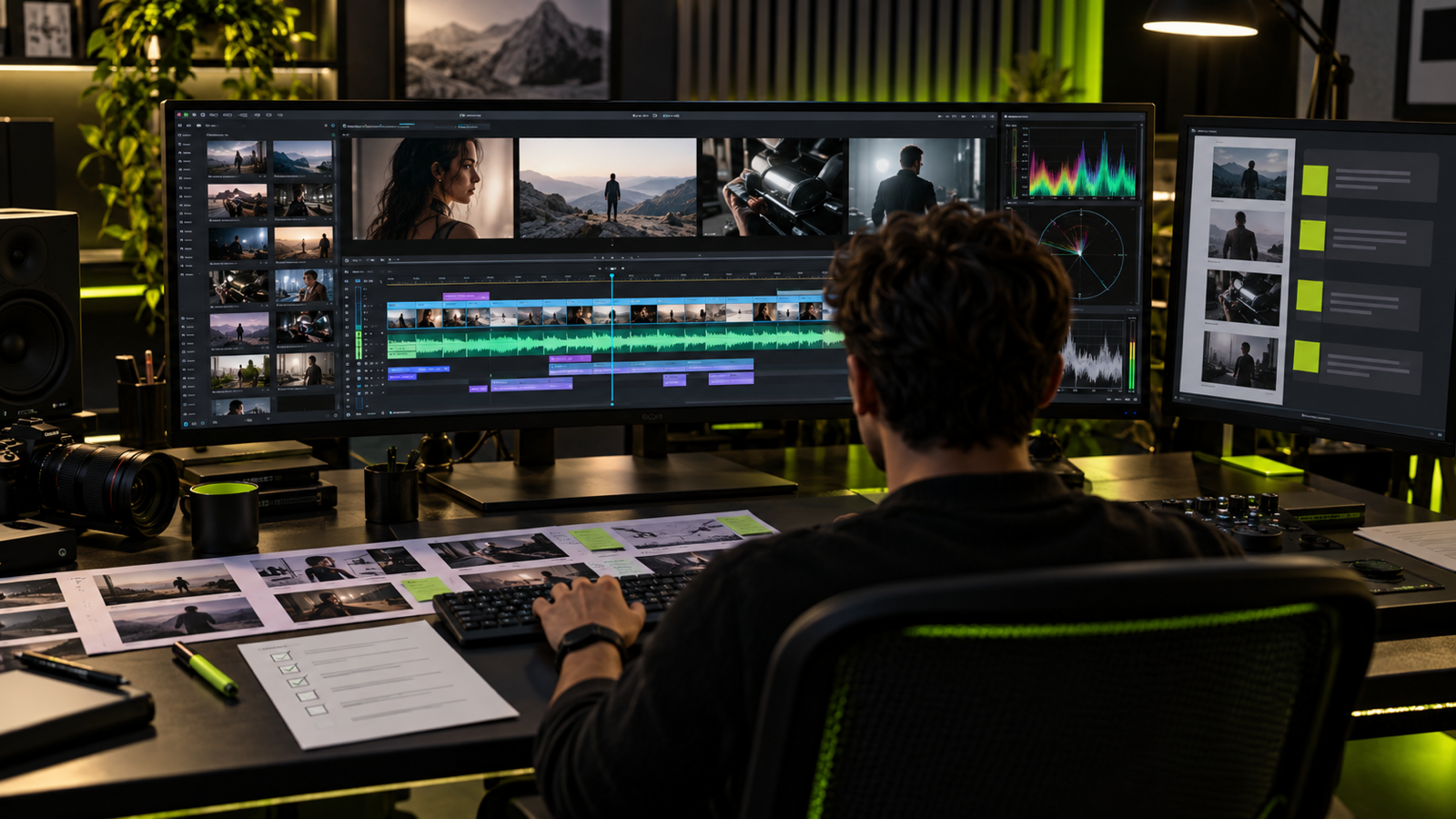
Generation produces options. Editing decides whether those options tell one credible story.
Before a client sees an AI-assisted cut, the editor needs to check more than spelling and duration. The review has to catch continuity errors, invented product details, unsupported claims, licensing gaps, and platform problems while they are still inexpensive to fix.
This checklist sits between the internal rough cut and client review. It is not a substitute for the client's final approval. It keeps avoidable production defects from consuming that approval round.
Lock the review target first
Write the intended placement, aspect ratio, duration, language, audience and call to action at the top of the review record. A cut cannot be approved in the abstract. A 16:9 explainer, a 9:16 paid ad and a muted trade-show loop may share footage, but they do not share the same acceptance test.
Name the reviewer and the version. If feedback arrives against different exports, the team can make correct changes to the wrong cut.
Story and offer
- The first seconds establish a recognizable problem, desire, or result.
- One offer drives the piece.
- The call to action matches the landing page.
- Every claim can be supported.
- The ending is readable without relying on the platform caption.
Watch once without pausing. If the message is unclear at normal speed, frame-by-frame polish will not save it. Then watch again and mark the exact moment each claim, product detail and call to action appears.
The FTC says advertisers need evidence for express and implied claims before an ad runs. The editing review should therefore connect every objective claim to the approved source record. A disclaimer cannot repair a visual that creates a different overall impression.
Pacing and shot purpose
Every shot needs a reason to remain in the cut. Remove a beautiful generated clip if it repeats information, delays the offer, or changes the visual language without helping the viewer.
- The opening establishes the subject before asking for attention.
- Shot length gives the viewer enough time to read captions and inspect the product.
- Cuts follow meaning or movement, not a fixed two-second template.
- A transition does not hide a continuity failure.
- The final call to action stays on screen long enough to read once at normal speed.
Review the cut with music muted. If the pace collapses, the picture edit is borrowing its structure from the track.
Visual continuity
- Product shape, logo, packaging, people, wardrobe, and locations remain consistent.
- Hands, reflections, text, and background objects survive frame-by-frame review.
- Motion begins and ends cleanly enough for the edit.
- No generated element resembles a protected character or unlicensed spokesperson.
- Conceptual images cannot be mistaken for documentary evidence.
Check adjacent shots as pairs, then compare the first and last appearance of every recurring product or person. AI drift can be small inside one clip and obvious across the finished sequence.
Pause on the first, middle and final frame of each generated shot. Inspect hands, labels, reflections, fast-moving edges, jewelry, buttons, screen content and background geometry. Also inspect the frame chosen for the thumbnail. A one-frame defect may become the campaign's most visible still.
For product work, compare the cut against the approved reference package rather than memory. Our reference-image checklist defines the angles and product details that should already be locked.
Claims, disclosure and brand review
Read the ad as a viewer would, not as the production team intended it. Check spoken claims, captions, on-screen demonstrations, before-and-after implications, endorsements and the relationship between the image and the landing page.
- Evidence exists for objective performance, price and comparison claims.
- Required qualifications appear close enough to the claim to be understood.
- AI or synthetic-media disclosure follows the current platform and campaign policy.
- A conceptual demonstration is not presented as recorded customer evidence.
- Names, logos, likenesses, locations and third-party assets are cleared.
This is a production check, not legal advice. Regulated products and higher-risk claims need the client's qualified reviewer.
Edit and sound
- Shot changes follow meaning, not a fixed template.
- Voice, captions, and picture say the same thing.
- Music and effects have documented commercial rights.
- Dialogue is intelligible on a phone speaker.
- The piece still makes sense on mute.
Listen on headphones, a laptop and a phone speaker. Check for abrupt room-tone changes, clipped words, music masking the voice, missing action sounds and effects that announce every cut. The sound-design workflow covers stems, loudness and rights records in more detail.
Captions need a separate pass. Confirm the words against the approved script, speaker names, product names, punctuation and timing. Automatic captions are a draft. They are not an approval record.
Watch the edges of every format
A horizontal master cannot simply be cropped into a vertical ad. Reframe each version and check faces, products, captions, disclosures and the call to action against the actual placement.
Google Ads currently documents horizontal, square and vertical video formats, and its requirements vary by ad type. YouTube recommends uploading at the same frame rate used for recording and provides current encoding guidance for container, codec, audio and color space. These documents are delivery references, not permanent specifications. Recheck them before export.
Do not approve a platform version from the editing timeline alone. Export it, upload privately or unlisted where appropriate, and inspect the processed result. Transcoding can expose color, caption, audio and crop problems that are absent from the local master.
Delivery
- Aspect ratio, duration, codec, and file size match the placement.
- Captions remain inside safe areas.
- A clean master and platform versions are labeled correctly.
- Source files, approvals, prompt records, and licenses are archived.
- Tracking links and campaign names are ready before upload.
The archive should make the decision reproducible. Keep the approved brief, source list, reference images, prompt or generation records, edit project, licenses, release forms, review comments, approval message and final checksums or file names together.
Use a naming pattern that identifies campaign, format, language, version and approval state. Do not overwrite the approved master with a later platform crop.
Run the client review as a controlled decision
Send one review link with one named feedback deadline. Ask the client owner to consolidate comments and identify which requests are mandatory. Contradictory notes from several reviewers should return to the owner before the editor changes the cut.
The final approval should name the version. A message saying only "looks good" is hard to connect to a file after another export is made.
Downloadable review record
Copy these fields into the review ticket:
- campaign and deliverable;
- version and file name;
- intended placement;
- story and CTA result;
- continuity defects found and resolved;
- claim evidence owner;
- rights and disclosure status;
- sound and caption status;
- export specification;
- client approver, decision and date.
This record is deliberately plain. Its value appears three months later when a campaign is extended, translated, challenged or rebuilt.
Review status and limits
Sources and platform documents were checked on 1 November 2026. Specifications change. Confirm the current requirements for the chosen placement, and use qualified legal review for regulated claims, rights disputes or disclosure questions.
Sources
- FTC: Advertising FAQs for small business
- FTC: Advertising and marketing guidance
- Google Ads: video ads specifications and format requirements
- YouTube: recommended upload encoding settings
Put a real gate before release
Book a DATIK diagnostic and we will turn the checklist into a named approval workflow for the pilot, platform versions and final archive.
Frequently asked questions
Why review individual frames?
Small generation errors can appear briefly but become obvious when paused, cropped, or used in a thumbnail.
Who should approve the final cut?
One named client owner should consolidate feedback and provide final approval. Distributed approval creates contradictory revisions.
Is the client review the same as quality control?
No. Internal quality control removes technical, continuity, rights and evidence defects before the client spends an approval round on creative and business decisions.
Should every platform receive a separate export?
Usually. Start from one approved master, then create and inspect the aspect ratio, captions, duration and technical settings required by each selected placement.
Put one approval gate before release
Bring the placements, master cut, claims, source records, rights files, and approval owner. We will map the internal QC, client review, platform exports, and archive before launch.
4300 Biscayne Blvd, Miami, FL 33137 · info@datik.click