Sound design for AI video: why generated clips feel unfinished
Generated frames can look polished and still feel weightless. Voice, ambience, effects and music turn separate clips into one credible piece.
DATIK editorial team · Reviewed by Ilya Kostin · Sources checked 31 October 2026
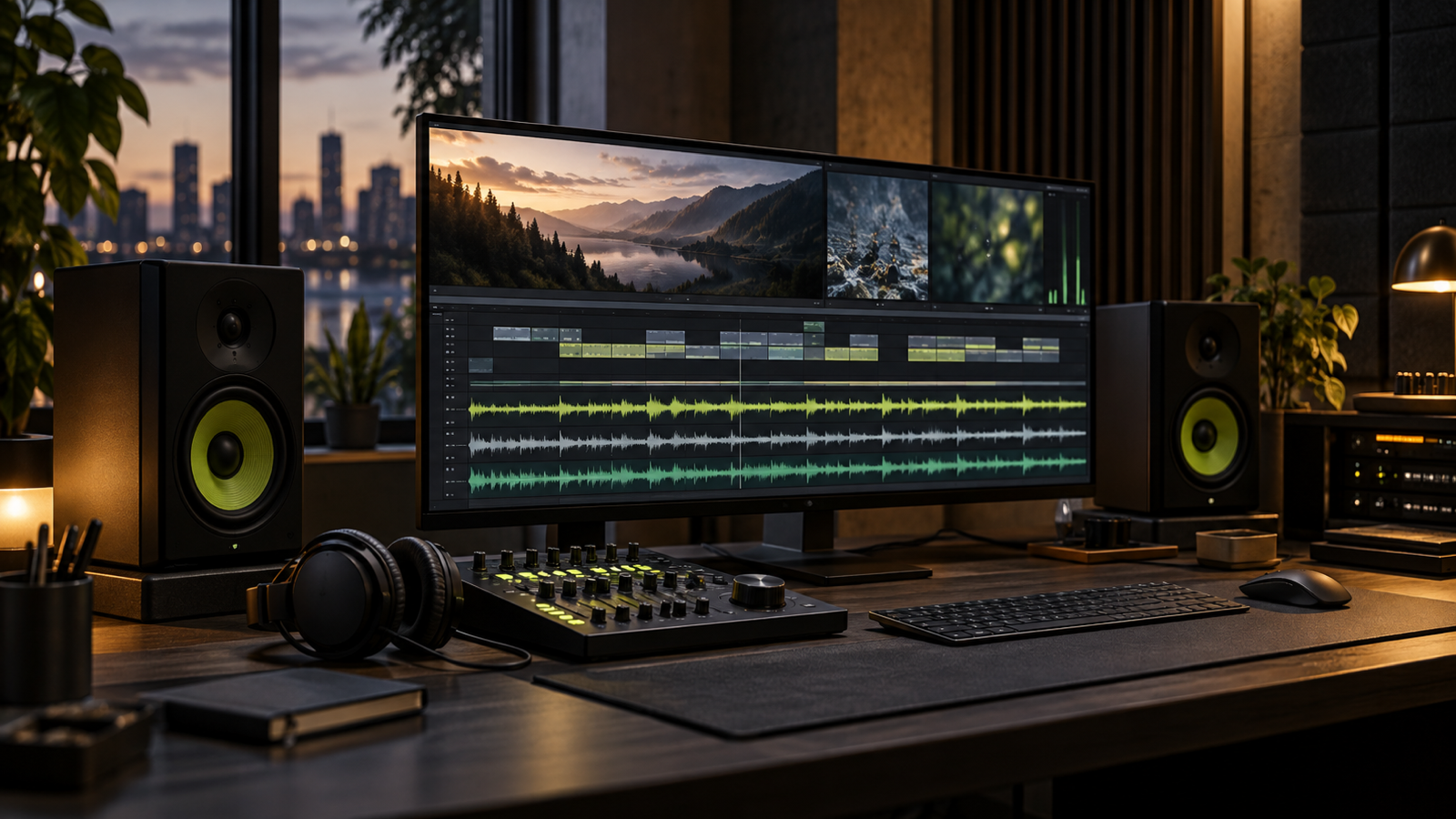
An AI-generated shot can look polished and still feel fake. Often the problem is not the picture. It is the missing room tone, weightless movement, generic music, or voiceover that never seems to occupy the same world as the image.
Sound is where separate clips become one piece. It gives an object weight, places a speaker in a room, and carries motion across cuts that were generated independently. If the production plan treats audio as a track added after picture lock, the final video may remain a montage of attractive fragments.
The practical fix is to design the soundtrack while the edit is still flexible.
Start with the purpose of the video
Before choosing music, write down what the viewer must understand and what action should follow. A product demonstration needs intelligible explanation and credible product sounds. A brand film may depend more on atmosphere and rhythm. A short paid ad needs a hook that works with sound off, then rewards the viewer who turns sound on.
This decision prevents the common mistake of asking one music track to do every job. Music can establish pace and emotion. It cannot repair unclear product action, replace missing dialogue, or make an impossible movement believable.
Create a simple audio brief beside the storyboard:
- the primary message;
- whether a voice is necessary;
- the environment each shot occupies;
- the actions that need audible confirmation;
- the intended placements and deliverables;
- the approved sources for music, voices and effects.
That brief is small, but it turns sound from decoration into production scope.
Build the soundtrack in four layers
A practical commercial mix usually has four layers. Each needs a defined job.
Voice or dialogue
The voice carries information that the image cannot communicate efficiently. Record or generate it early enough to shape pacing. If narration is forced into a finished cut, the speaker rushes through important lines or leaves dead space around short ones.
Clean dialogue does not mean stripped of all character. A voice recorded in a treated booth can feel detached from a visible office, kitchen or workshop. Very light room treatment, perspective and reverberation may help it belong in the scene. The goal is not an obvious effect. The goal is to stop the voice from sounding pasted on top.
If a synthetic or cloned voice is used, keep the consent and approval record separate from the audio file. Our voice-cloning consent checklist explains the permissions that should be settled before production.
Ambience and room tone
Ambience establishes location. Air conditioning in an office, distant traffic outside a storefront, soft appliance noise in a kitchen, or wind around an exterior shot can connect images that were generated with no shared acoustic environment.
One continuous bed often does more for continuity than a collection of dramatic effects. It also reveals gaps. If the room disappears between two cuts, the viewer may not name the problem, but the edit feels assembled.
Use ambience quietly. It should be missed when muted, not noticed when present.
Designed effects
Effects give visible actions consequence. A cup placed on a counter, fabric moving, a door closing, a product locking into position, or a camera passing close to an object may need sound. AI video frequently produces motion without the physical detail a live recording would capture, so these moments feel especially weightless.
Do not add an effect to every movement. Choose the actions that define scale, material or story. A few precise sounds are more convincing than a constant layer of cinematic impacts.
Transitions deserve the same restraint. A whoosh can support a fast spatial move. Repeating one on every cut turns the soundtrack into a template.
Music
Music should have an editorial purpose: create pace, hold tension, signal a change, or support a brand tone. Choose it against the voice and action, not in isolation.
Listen for arrangement as well as mood. A track with dense midrange instruments can compete with speech. A track that builds every eight bars may force cuts into a rhythm that does not fit the message. Sometimes the best production choice is a simpler cue with room for dialogue and sound effects.
Edit audio before the picture is locked
The first audio pass should happen while shot lengths can still move. Place the voice, rough ambience and a temporary music cue. Then watch for three problems:
- The voice explains what the image already shows.
- The edit changes scenes faster than the acoustic environment can register.
- The music creates energy that disappears when the track is muted.
The third problem matters. A cut that works only because of a loud cue often has weak visual timing. Review the sound-off version first. The story should remain readable through action, composition and captions. Then turn the soundtrack back on. It should add clarity, rhythm and a credible world rather than rescue the edit.
Many social placements begin silently, but that does not make audio optional. Sound-off and sound-on are two states of the same piece. Both need a deliberate experience.
Use a cue map instead of guessing
Mark the timeline by function. A lightweight cue map might include:
- VO: spoken information;
- AMB: continuous environment;
- SFX: visible action or transition;
- MUS: music entrance, build, break and exit;
- CAP: caption change or emphasis.
Read the map vertically at every important moment. If the voice, title card, music build and product impact all peak at once, the viewer has too many signals competing for attention. Move or remove one.
This is also useful for revisions. A client can ask for a quieter product reveal or a less dramatic transition without giving vague feedback about the whole video.
Mix for intelligibility, not maximum volume
Dialogue is usually the reference layer in an explanatory commercial video. Set it first, then build the other elements around it. Reduce competing frequencies or automate the music under important lines instead of simply raising the voice until everything is loud.
Check the mix on studio headphones, a laptop, and a phone speaker. The phone test is not a technical standard. It is a practical way to find speech that disappears and effects that rely on low frequencies a small speaker cannot reproduce.
Loudness requirements depend on the destination. The European Broadcasting Union's current R 128 recommendation uses programme loudness, loudness range and true peak rather than peak level alone. Its separate short-form guidance covers commercials and promos. These are useful measurement references, but they do not replace the delivery specification for the client's actual platform or broadcaster.
Do not chase a single internet loudness number and call the master finished. Confirm the destination, measure the complete programme, check true peaks, and export the version requested by that destination.
Protect the rights chain
Every audio element needs a source and a permitted use. A downloadable file is not automatically cleared for client work or paid advertising.
Keep an asset log with:
- track or effect name;
- creator or library;
- source URL;
- license type;
- download or purchase date;
- campaign, territory and media restrictions;
- attribution language, if required;
- proof of purchase or license file.
YouTube explains that different licenses carry different rules and that commercial use depends on the agreement. Its Audio Library provides music and effects for YouTube, with attribution requirements shown for applicable Creative Commons tracks. That does not automatically grant every off-platform advertising use. Read the license attached to the actual asset and placement.
Voice files need their own records. Keep talent releases, synthetic-voice permissions and final approvals with the project. Do not hide them inside a generic folder called `audio`.
Deliver more than one master
One approved edit may need several audio deliverables. Prepare them from the same locked timeline so picture and sound stay synchronized:
- full mix;
- music and effects without voice;
- dialogue or voice stem;
- music stem;
- effects and ambience stem;
- captioned and clean versions where required;
- platform-specific exports based on current specifications.
Stems make later changes possible without rebuilding the project. A translated voiceover, a new call to action, or a different music license should not require reconstructing every effect from the final compressed file.
Name files clearly. Include version, aspect ratio, language, mix type and date. A filename such as final-final-2.mp4 is not a delivery system.
A sound review checklist
Before approval, review the piece twice: once without sound and once at a normal listening level.
For the sound-off pass, check that the opening action, captions, product identity and call to action remain understandable.
For the full-mix pass, check:
- every spoken word is intelligible;
- ambience continues naturally across related shots;
- effects support visible actions without announcing every edit;
- music leaves room for speech and brand information;
- no abrupt silence appears between clips;
- loudness and true peak meet the selected delivery requirement;
- the mix survives phone, laptop and headphone playback;
- all music, voice and effect rights are documented;
- stems and platform versions match the approved picture.
The final question is simple: if the music is removed, does the piece still have a coherent acoustic world? If not, the soundtrack is leaning on mood instead of sound design.
Review status and limits
This article describes DATIK's production procedure, not a universal platform specification. Platform rules, music licenses and delivery requirements change. Sources were checked on 31 October 2026. Confirm the current destination requirements and the license for each selected asset before delivery.
Sources
- Adobe Premiere: audio editing concepts
- EBU R 128: loudness normalisation and permitted maximum level
- EBU R 128 s1: loudness parameters for short-form content
- YouTube Help: license types on YouTube
- YouTube Help: use music and sound effects from the Audio Library
Plan the soundtrack before generation expands
DATIK Video Lab scopes voice, ambience, effects, music, captions and delivery with the visual edit. Book a diagnostic to define a pilot and the approval chain before a campaign produces dozens of silent clips that still need to become one video.
Frequently asked questions
Should every AI video have voiceover?
No. Product action, typography, captions and sound design may communicate more efficiently. Use a voice when it adds information or character that the picture cannot carry cleanly.
Can one audio mix work everywhere?
Use one approved master as the source, then verify loudness, intelligibility, captions and file specifications for each placement. A broadcaster, a social platform and an event screen may require different exports.
Does royalty-free mean free for commercial advertising?
Not necessarily. Royalty-free describes a licensing structure, not unlimited permission. Read the license for paid media, client work, territory, duration, attribution and platform restrictions.
Why add room tone to generated video?
Room tone gives related shots a shared environment. Without it, each clip can sound like an isolated asset, even when the visual edit suggests one continuous place.
Scope sound before the edit locks
Bring the placements, script, source assets, rights records, approval owner, and delivery formats. We will map the audio layers, review points, stems, and final exports before production expands.
4300 Biscayne Blvd, Miami, FL 33137 · info@datik.click