AI video production workflow
The model comes after the brief, rights check, references, and shot plan. Approval comes after the exported cut has survived product, identity, claim, continuity, and delivery checks.
DATIK editorial team · Reviewed by Ilya Kostin · Sources checked 20 October 2026
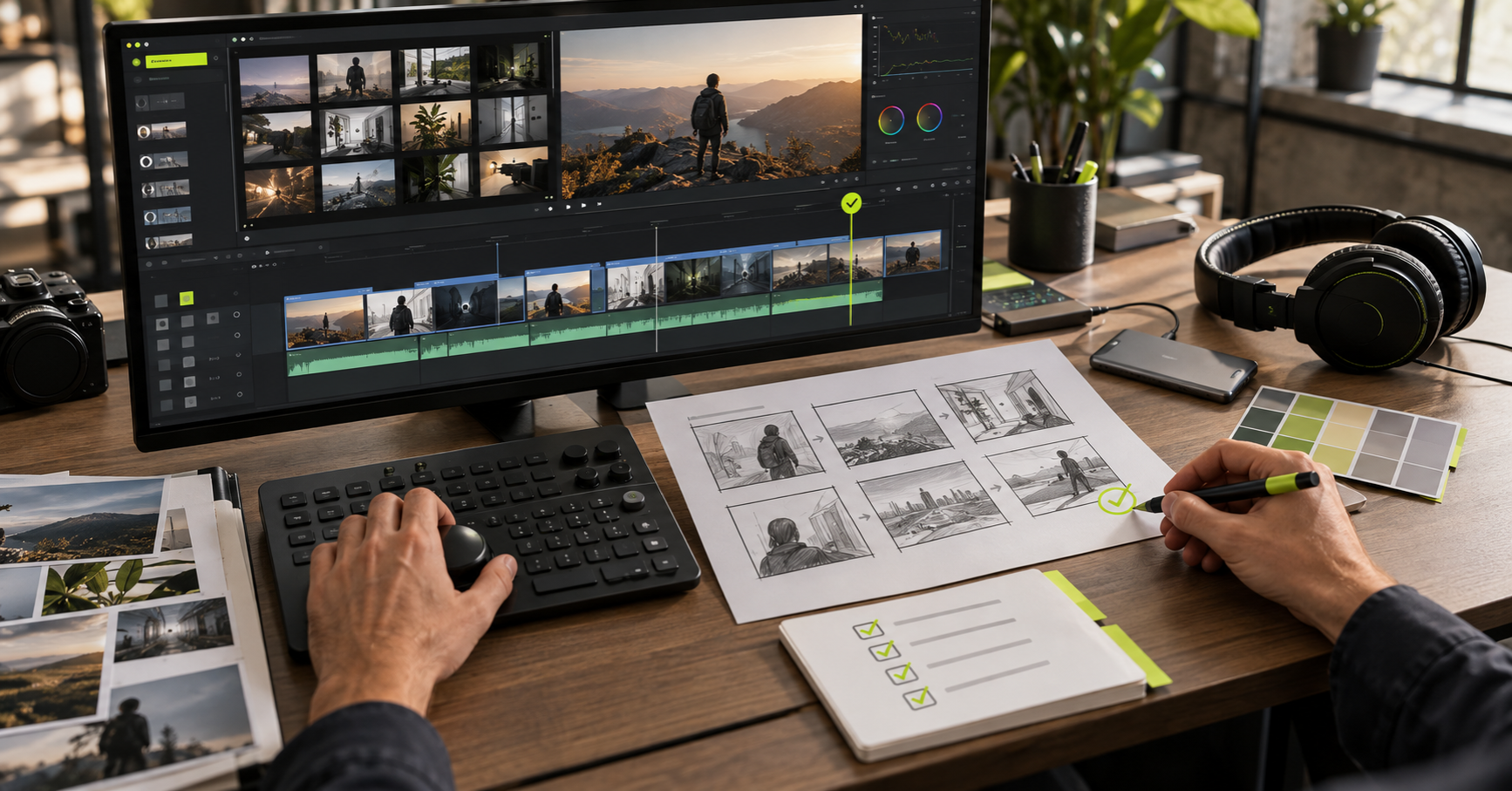
Video generation starts too late in a sound production process. The first work is deciding what the finished file must do and what cannot change between shots.
Here is the workflow DATIK is testing for short brand films and vertical campaign cuts.
Write the delivery specification
Record the audience, platform, duration, aspect ratio, language, offer, destination, due date, and approval owner. Add the exact files required at delivery.
This prevents a familiar late request: “Can we also have a square version with different text?” Sometimes that is a crop. Often it changes composition across the entire sequence.
Separate fixed facts from creative choices
The product name, packaging, color, logo, claim, person, and required location may be fixed. Lighting, camera movement, environment, and pacing may be open.
Put the fixed items in one short list. If the model changes one, the shot fails even when it looks good.
Clear the source material
Identify the owner or permission for every supplied photograph, clip, voice, track, logo, and likeness. Record whether a real person may be represented synthetically and where the result may be used.
Do this before uploading assets to a generation service. Provider terms and training policies differ, and they change.
Build references before motion
Create the approved still frames, character sheet, product angles, palette, typography, and locations. A recurring character needs face, body, clothing, and expression references. A product needs readable packaging references and protected proportions.
The reference stage is the cheapest place to reject an idea.
Make a shot plan
Each shot gets a job, duration, starting reference, subject action, environmental motion, camera behavior, and transition requirement. Keep the first motion prompt simple.
Runway recommends using image-to-video prompts mainly for motion because the image already defines appearance and composition. Its current image-to-video guide is optimized for Gen-4.5 and recommends starting with the most important motion, then adding detail as needed. Its Gen-4 guide also suggests changing one prompt element at a time. That is useful production discipline even when another model is used: controlled changes make failures easier to diagnose.
Generate short shots and keep a log
Record model version, settings, prompt, input asset, output, and rejection reason. Do not save only the winners. Failed attempts show which instructions and inputs create the problem, and they reveal the real cost of a shot.
Reject early when identity, product shape, label text, or essential movement is wrong. Small camera drift may be repairable in an editor. A different bottle is not.
Edit for the delivery platform
Assemble the story before polishing transitions. Check the opening frame at phone size. Leave space for captions and platform controls. Listen once without watching, then watch once without sound.
Sound design often does more for perceived production quality than another generation pass. It also exposes timing that looked acceptable in silent review.
Review claims, identity, and continuity
The final review is performed on the exported cut, not a folder of shots. Check spoken and on-screen claims, product details, faces, hands, reflections, background changes, logos, captions, music, and the destination URL.
The FTC's digital advertising guidance applies disclosures to multimedia as viewers encounter it. A qualification buried in accompanying copy may not correct an unqualified claim inside the video.
Obtain written approval and archive the record
Store the approved master, delivery versions, source list, permissions, prompts, generation log, edit project, and approval message. The U.S. Copyright Office's current AI guidance places weight on human-authored expression and creative arrangement. A production record also makes later revisions possible without reconstructing the job from memory.
Sources and limits
- Runway Gen-4 video prompting guide
- Runway image-to-video prompting guide
- U.S. Copyright Office: Copyright and Artificial Intelligence
- FTC .com Disclosures guidance
Sources were checked on October 20, 2026. This is a production-control framework. It does not guarantee that a given model can reproduce a particular person, product, motion, or style reliably.
Frequently asked questions
Should a storyboard come before generation?
Use at least a shot plan. A detailed storyboard is worth the time when continuity, exact product placement, or client approval depends on composition.
How long should generated shots be?
The story decides, within the limits of the selected model. Short shots are easier to review and replace than a long clip carrying several actions.
Who should approve the video?
One named person should collect internal comments and issue a single decision. Conflicting feedback from several client reviewers creates avoidable regeneration.
Map one video from brief to approved cut
Bring the platform, duration, source material, fixed product facts, approval owner, and deadline. We will define the production gates before generation begins.
4300 Biscayne Blvd, Miami, FL 33137 · info@datik.click