AI UGC ads: disclosure, likeness, and approval checklist
Treat the final export as an approval object: identify the speaker, disclose material connections, label realistic AI where required, clear the likeness and assets, and review every claim in context.
DATIK editorial team · Reviewed by Ilya Kostin · Sources checked 28 October 2026
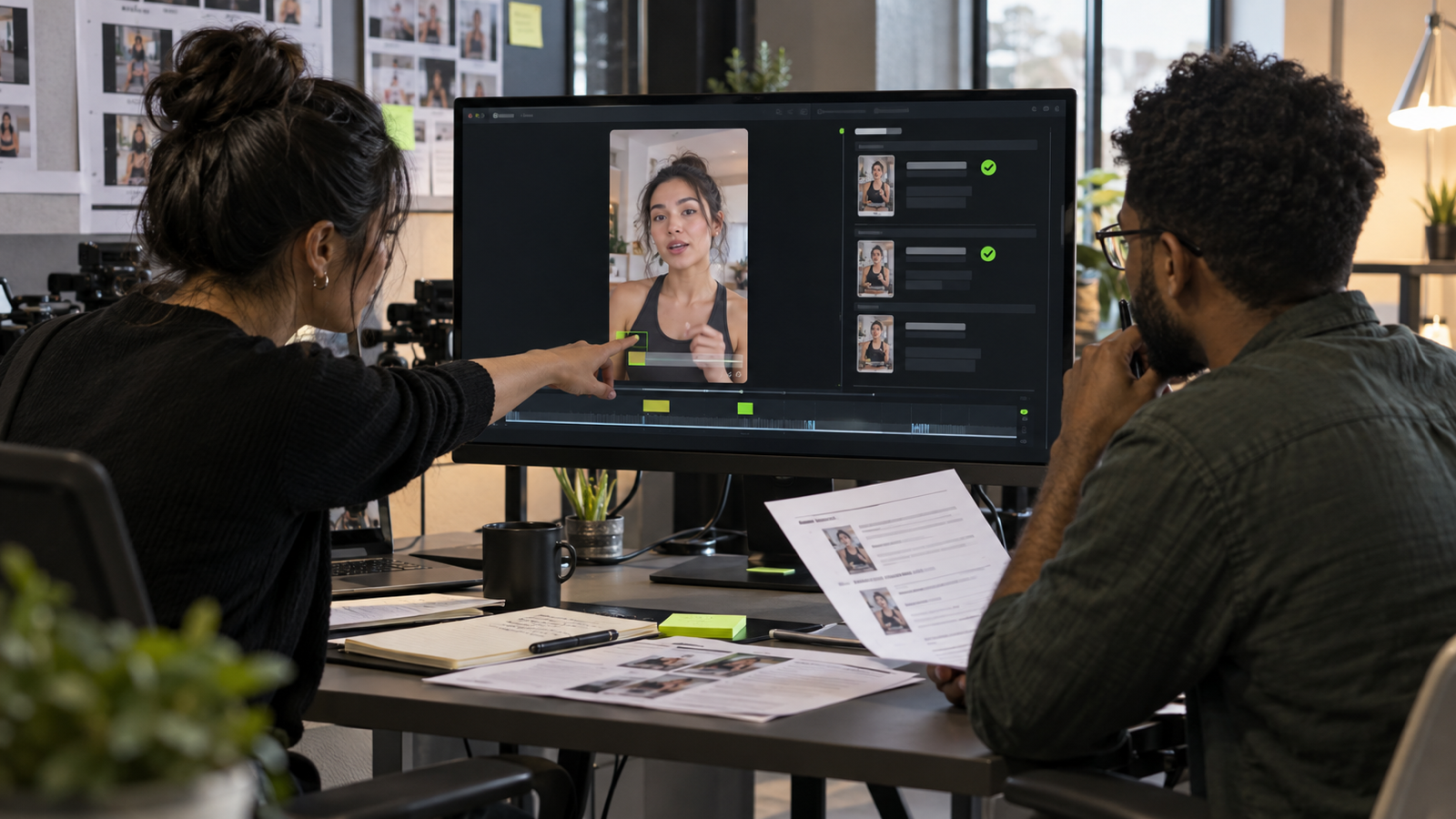
An AI UGC-style ad should pass four separate reviews before launch: what the presenter appears to be, what rights cover the face and voice, whether every advertising claim is supportable, and whether the finished placement makes the required disclosures clear.
Treat the exported ad, caption, posting account, landing page, and media plan as one package. Approval of a script or attractive source frame is not approval of the campaign.
This guide is general operational information for US marketing teams. It is not legal advice.
First decide what the presenter represents
UGC is a production style, not proof that a customer created the video. Write the presenter's role into the brief before anyone generates a frame.
The presenter may be:
- a real customer describing an actual experience;
- an actor reading an approved script;
- an employee or owner speaking for the business;
- a digital replica of a specific person;
- a fully synthetic character with no real-world identity.
Those roles create different expectations. A synthetic character should not be written as a verified customer. An actor should not imply personal results that the actor never experienced. A digital replica should not deliver a new statement merely because the brand owns an earlier recording.
The practical review question is simple: what would a reasonable viewer believe about this speaker? Record the answer next to the script.
This role decision belongs in the delivery specification at the start of the AI video production workflow, before visual references or voice tests are approved.
Separate endorsement disclosure from AI labeling
Two disclosure decisions may apply to the same ad.
An endorsement disclosure addresses a material connection between the speaker and marketer. FTC guidance says the disclosure should be hard to miss and placed with the endorsement. For video, the disclosure belongs in the video rather than only in the uploaded description. The FTC also notes that viewers are more likely to notice a disclosure made in both audio and video.
An AI label tells viewers that realistic media was generated or significantly altered. Platform rules can require that label even when the video contains no endorsement. TikTok's current guidance requires creators to label realistic AI-generated images, audio, and video, and it describes both creator-applied and automatic labels.
One label does not automatically satisfy the other job. “AI-generated” does not explain a paid relationship. “Sponsored” does not explain that a realistic presenter is synthetic.
Before launch, write two answers:
1. Does this message need an endorsement or material-connection disclosure? 2. Does the destination platform require an AI or edited-media label for this creative?
Counsel should decide close cases. The production team should make the approved decision visible in the cut and posting instructions.
Obtain permission that matches the real use
If a real face, body, performance, or voice informs the result, use written permission specific enough for the planned campaign. A release for one filmed testimonial may not cover voice cloning, synthetic translation, or new paid-media variations.
The permission record should identify:
- Name the person and identify the source material.
- State whether image, voice, performance, or all three may be altered.
- Attach approved scripts and say whether new statements require approval.
- List the organic and paid channels covered by the release.
- Set the territories, languages, and duration.
- Identify any agency or production vendor allowed to process the files.
- Record withdrawal, expiration, and archive rules.
The US Copyright Office's digital-replicas report describes the wider policy problem around realistic but false depictions of a person. The report is useful context, but it is not a substitute for campaign-specific legal review or applicable state law.
Keep the permission file beside the final creative. A link in a vendor inbox is not a production record.
Review the script as advertising
A phone-camera look does not reduce the standard applied to an advertising claim. Review the spoken script, captions, demonstrations, product shots, before-and-after implications, prices, deadlines, and the landing page together.
For every factual claim, keep the supporting evidence with the script version that contains it. Flag phrases that imply personal use: “I tried,” “my results,” “this fixed,” or a demonstration presented as the speaker's experience.
The final performance can change meaning. A hesitant sentence may sound like an opinion in the script and like a confident guarantee after editing. Review the rendered delivery, not only the words.
Reject the cut when:
- the presenter claims an experience that did not happen;
- a product result lacks support;
- a demonstration exaggerates the real product;
- subtitles make a broader promise than the audio;
- the landing page changes the offer or limitation.
Design disclosure for the actual placement
Place required disclosure where the viewer encounters the message. Do not hide it behind a “more” control, at the end of the caption, or inside a hashtag block.
For a vertical ad, test the exported file inside the platform's current interface. A disclosure near the bottom can sit behind the caption, call-to-action button, or account controls. A disclosure near the top may collide with search or status elements. Safe areas change, so use a dated screenshot or platform preview rather than a permanent template.
Check four conditions:
- the words are understandable to the intended audience;
- contrast and size remain legible on a phone;
- the disclosure stays visible long enough to be read;
- audio and visual disclosure match the approved decision.
If the endorsement runs in Spanish, the disclosure should be understandable in Spanish. The FTC's FAQ says the material connection should be disclosed in the language or languages used by the endorsement.
Approve the exported cut, not the ingredients
The approval owner should receive the exact file planned for distribution. A source image, storyboard, or draft in the editing timeline cannot reveal every final failure.
The shot-level claim and disclosure notes should already exist in the 15-second ad storyboard. Final review checks whether those decisions survived generation, editing, and crop changes.
Watch the export once without pausing, then again frame by frame around sensitive moments. Check:
- Check the face, hands, teeth, and identity continuity.
- Confirm voice identity, pronunciation, and lip synchronization.
- Compare packaging, product geometry, and demonstrations with the approved references.
- Verify the endorsement disclosure and platform AI label.
- Read the captions and confirm the music rights and final crop.
- Test the offer, URL, promo code, and landing-page match.
Approve each aspect separately. “Looks good” does not say whether legal copy, product accuracy, or likeness was reviewed.
Keep a record that can answer a complaint
Store the creative brief, script version, substantiation, source permissions, model and provider, voice source, disclosure decision, platform instructions, final file, and written approval. Record where the ad ran and when it stopped.
File names should connect the cut to its approvals. For example:
`spring-offer_ugc-a_v07_approved-2026-10-28.mp4`
If the same presenter is reused for another offer, open a new approval record. Do not treat one accepted export as permission for every future script.
A launch gate for the campaign owner
The campaign can move to media only when one person can answer yes to every item below:
- The presenter's role is written and accurate.
- Rights cover the face, voice, edits, channels, duration, and languages.
- Claims and demonstrations have evidence.
- Endorsement disclosure has been reviewed.
- Platform AI-label requirements have been checked for this placement.
- The exported crop keeps disclosures visible.
- The landing page matches the ad.
- The final file has written approval.
- Stop, correction, and complaint owners are named.
If any answer is unknown, hold the campaign. Generation speed does not shorten the review.
Sources and limits
- FTC Disclosures 101 for Social Media Influencers
- FTC Endorsement Guides: What People Are Asking
- FTC revised Endorsement Guides announcement
- TikTok guidance on AI-generated content
- US Copyright Office: Digital Replicas Report
Sources were checked on October 28, 2026. Laws, platform policies, and campaign facts can add requirements. Obtain qualified legal review for a specific advertisement.
Frequently asked questions
Is an AI presenter automatically an endorsement?
No. The answer depends on the message and the relationship it communicates. A synthetic presenter can still create a misleading endorsement if the ad makes the character appear to be a real customer with personal experience.
Is an AI-generated label enough for a paid testimonial?
No. An AI label describes how the media was made. It does not necessarily disclose payment, employment, free product, or another material connection.
Is a caption disclosure enough for a video endorsement?
FTC guidance says a required disclosure for a video endorsement should appear in the video, not only in the uploaded description.
Can a cloned voice be reused for new scripts?
Only within the permission actually granted. Scope, channels, duration, languages, paid use, alteration, and approval of new statements should be written down. [Apply for a DATIK Video Lab pilot](/start/) when your campaign has one approval owner, a rights-cleared source package, and a specific final deliverable.
Review one AI UGC ad before launch
Bring the script, final export, platform placements, talent and asset permissions, substantiation, and approval owner. We will map the disclosures, labels, claims, records, and release gate.
4300 Biscayne Blvd, Miami, FL 33137 · info@datik.click